
Security
How Teminops keeps your servers, credentials and data safe
An AI terminal sits close to your most sensitive systems: production servers, root passwords and SSH keys. Here is how Teminops protects each of them, layer by layer.
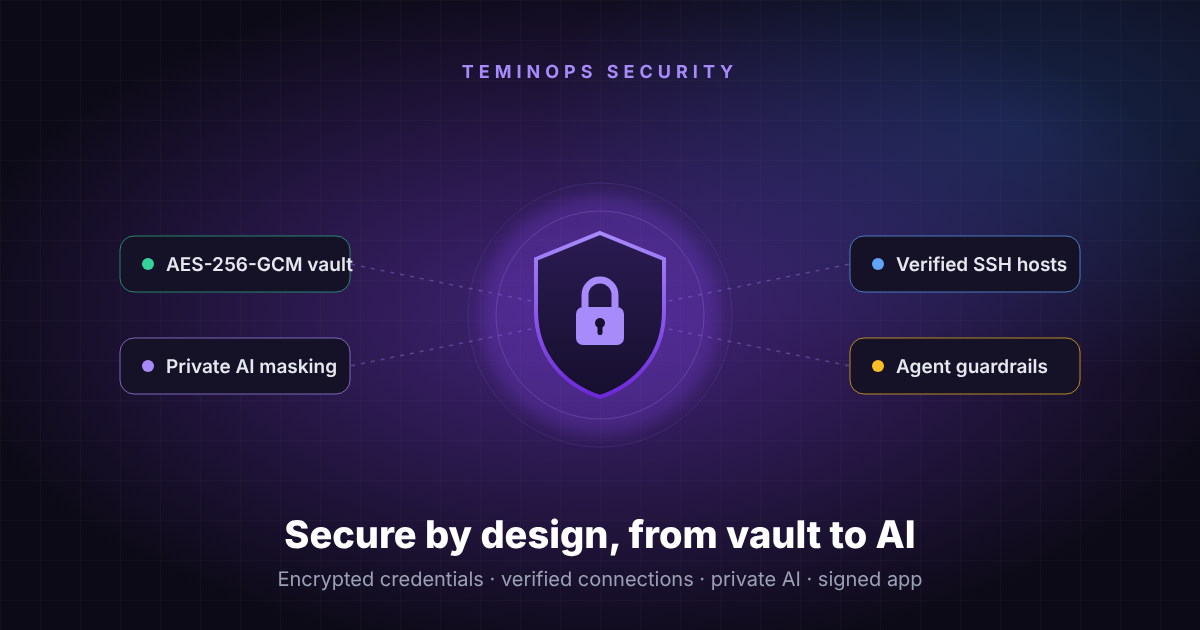
01Our security principles
Teminops is a desktop app. You add your Linux and Unix servers, open SSH sessions in a fast terminal, and use AI to explain errors, read logs and suggest fixes. We built it for teams that run critical infrastructure, including banks and financial institutions, and four principles guide every design decision:
Local first
Your hosts, passwords and keys stay on your computer, encrypted with a key that only your operating system can unlock.
Safe by default
The protective setting is always the default: strict AI masking, X11 forwarding off, and approval for any risky command.
Transparent
You can preview exactly what would be sent to the AI before it is sent, and see why a command was blocked.
Defence in depth
No single control carries the load. If one layer fails, the next one still protects you.
02Where your data goes (and where it doesn't)
Understanding the data flow is the first step in any security review. Teminops keeps the paths deliberately simple:
- SSH sessions go straight from your computer to your server. Teminops does not route your terminal traffic through our cloud. (The only exception is a Live Share session you explicitly start.)
- Credentials never leave your machine in readable form. They are stored encrypted on disk, and decrypted only in memory when a connection needs them.
- AI requests are masked first. IP addresses, hostnames, usernames and secrets are removed or replaced before anything is sent to an AI provider.
- Cloud backups are encrypted on your computer with your own backup key. Our servers store only encrypted data they cannot read.
03Credentials encrypted at rest
Every saved host, vault credential and setting (including your AI provider keys) is encrypted on disk with AES-256-GCM. GCM is an authenticated cipher, so the app detects any tampered record and refuses to use it.
The encryption key is not built into the app and not derived from a guessable value. On first launch Teminops generates a random 256-bit key for that installation. That key is then wrapped by your operating system's own secure storage:
- macOS: Keychain
- Windows: DPAPI (tied to your Windows account)
- Linux: the system keyring (GNOME libsecret or KWallet)
The result: someone who copies your Teminops data folder, or steals a backup of your disk, gets only ciphertext. The key can only be unlocked by your operating-system account on that machine.
04Verified SSH connections
Encryption only helps if you are talking to the right server. A classic attack on SSH users is the man in the middle: an attacker on the network impersonates your server and collects the password you type.
Teminops verifies the server's host key fingerprint during the SSH handshake, exactly like OpenSSH's known_hosts, and it does this before any password or private key is sent.
X11 forwarding: off unless you need it
Forwarding graphical apps from a server can expose your local screen and keyboard to that server. Teminops makes it a per-host choice, off by default:
| Setting | What it does |
|---|---|
| Off default | No X11 request is made, and any X11 channel the server tries to open is rejected. |
| Untrusted | Like ssh -X. Remote apps get a restricted cookie, so they cannot read your keystrokes or capture other windows. |
| Trusted | Like ssh -Y, for the rare apps that fail in untrusted mode. Use it only with servers you fully trust. |
In both forwarding modes the server only ever sees a random, per-connection placeholder cookie. Teminops checks each incoming X11 connection against it, so other users on the same server cannot use your forwarding.
05AI with privacy built in
AI is most useful when it can see your error messages and logs, and those often contain internal IPs, hostnames, usernames and sometimes passwords. Teminops filters every AI request on your computer before it is sent.
ssh: connect to host db-prod-01.bank.internal
  (10.20.4.17) port 22 failed
user svc_payments login denied
DB_PASSWORD=Pr0d#2026!x
card=4111 1111 1111 1111
ssh: connect to host HOST_1
  (IP_1) port 22 failed
user USER_1 login denied
DB_PASSWORD=[SECRET]
card=[CARD]
- Consistent placeholders. The same IP always becomes the same
IP_1, so the AI can still reason about your environment. Teminops restores the real values in the answer before you see it. - Secrets are never restored. Passwords, tokens, private keys and card numbers are replaced with
[SECRET]or[CARD]and are never sent, not even in masked form. - Your own rules. Add internal domain names and custom terms that must always be masked.
- Preview before you trust it. Settings shows exactly what would be sent for any sample text.
- Three levels. Strict (the default), secrets only, or off, which requires an explicit confirmation.
- Checked again on our side. Requests through the Teminops AI service are also scrubbed for secrets on our server, as a second line of defence.
06Guardrails for the AI agent
Teminops' agent mode can propose and run commands to troubleshoot a server. Every proposed command passes through a safety policy that sorts it into one of three groups:
- Unknown means ask. Only commands that are provably read-only run automatically. Anything else waits for a human.
- Hard blocklist. Destructive commands such as formatting a filesystem or shutting down a server are never run by the agent, even if approved. Quoting or
sudocannot hide them. - Chained commands are inspected. Pipes,
&&, sub-shells and redirections are detected, so a harmless-looking command cannot smuggle in a dangerous one. - Enforced in the core. The policy runs in the app's privileged process, so a model that ignores instructions, or a bug in the interface, cannot bypass it.
You stay in control: anything the agent refuses, you can still type yourself, deliberately.
07A hardened, signed desktop app
A security tool must itself be hard to tamper with. Teminops is built on a current Electron release (45) and locked down at several levels.
| Protection | What it means for you |
|---|---|
| Code signing | The macOS app is signed with an Apple Developer ID and notarized by Apple. The Windows installer is signed with an organisation-validated code-signing certificate. You can verify the installer came from us, unmodified. |
| Hardened runtime | On macOS the app runs with Apple's hardened runtime and requests only the minimum entitlement the JavaScript engine needs. It doesn't allow unsigned code or foreign libraries to load. |
| Electron fuses | Debug and scripting back doors are switched off in the binary itself: the app can't be run as a plain Node.js interpreter, and NODE_OPTIONS and inspector flags are ignored. The app only loads its own code, which is checked for integrity at startup. |
| Content Security Policy | The interface runs only scripts shipped inside the app. Inline scripts, remote scripts, frames, plugins and form submissions are all blocked. |
| No remote assets | Fonts and icons are bundled in the app. Opening Teminops makes no calls to third-party content delivery networks (CDNs). |
| Isolated renderer | Context isolation separates the interface from the app's privileged core. Sensitive actions such as SSH, file access and AI calls go through a narrow, checked bridge. |
| Sandboxed reports | PDF reports contain output from remote servers and AI text, so they are rendered in a fully sandboxed window with no JavaScript and no navigation. |
| Local services locked down | Internal services listen on the loopback interface only, and require a secret token generated at each launch, so other apps or websites on your machine can't connect to them. |
| No native add-ons | The shipped app contains no compiled third-party native modules. That shrinks the attack surface and keeps every binary covered by our signature. |
08End-to-end encrypted backups
Losing a laptop shouldn't mean losing your server inventory, and a backup shouldn't become a new place to leak it. Teminops backups cover hosts, vault credentials, tunnels, snippets, known host keys and settings, and they are encrypted on your computer with your own backup key before being written or uploaded.
- Local backup saves everything to one encrypted file you control: keep it on your own storage, or move it to a new laptop.
- Cloud backup (Pro) uploads the same encrypted data automatically, keeps it for 7 days, and lets you restore any snapshot.
- Your device identity is never included, so a backup can't be used to clone your licensed device onto another computer.
- Restores are safe to repeat. Restoring twice never creates duplicates, and a wrong key gives a clear error instead of corrupting data.
09For banks and regulated teams
Many of our customers operate under frameworks such as PCI DSS and ISO/IEC 27001. Teminops is a tool rather than a certified service, but its controls are designed to support the requirements your auditors ask about:
| Area | How Teminops helps |
|---|---|
| Protecting stored credentials | Strong authenticated encryption at rest, with keys bound to the OS account. |
| Protecting data in transit | SSH with host key verification; HTTPS for AI and cloud services. |
| Cardholder data | Card numbers are detected and removed from AI requests and never restored. |
| Data minimisation | Infrastructure identifiers are masked before AI processing; AI can be switched off entirely. |
| Change control | The AI agent cannot run state-changing commands without human approval; destructive commands are blocked. |
| Software integrity | Signed and notarized installers, integrity-checked app code, no remote code loading. |
| Backup and recovery | Client-side encrypted backups with defined retention. |
10Shared responsibility: honest limits
Good security means being clear about what a product can and cannot do. A few things are worth knowing:
- Masking is pattern-based. It reliably catches IPs, labelled secrets, card numbers and known hostnames. An unusual internal name may slip through, so add your internal domains to the masking rules and use the preview.
- Trust on first use. The first time you connect to a new server, compare the fingerprint Teminops shows with the one your server team publishes.
- Linux without a keyring. If your Linux desktop has no system keyring, the OS cannot protect the vault key. Install GNOME Keyring or KWallet for full protection.
- Guard your backup key. It is the only way to decrypt your backups. We cannot recover it for you, and that is by design.
- Your laptop is part of the system. Use full-disk encryption, a screen lock and current OS updates. Teminops protects data at rest, but cannot protect an unlocked, compromised machine.
Security questions from your team?
We're happy to walk your security team through Teminops' architecture, answer due-diligence questionnaires, and discuss deployment in regulated environments.
Try Teminops Ask our team